





























What Teams Say About Cubicl
"I have tried multiple different task management platforms over the years, but ended up not sticking with them. The most common issue I had was there was just too much going on in the UI that it became overwhelming. Cubicl solves this for me by keeping everything simple, but still packed with needed features. Overall a really great tool and I'm so happy I jumped on this deal!"

"I am really enjoying Cubicl for project management and collaboration with my team. I found it to be user-friendly and intuitive, which made learning it easier. The product tour was helpful in getting me up to speed on how to use the various task management tools. My favorite feature is custom notifications that keep everyone in the loop, particularly being able to streamline emails into tasks."
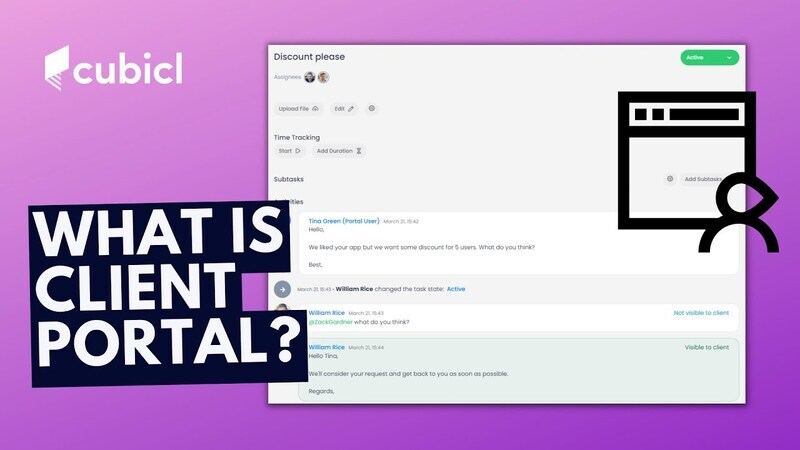
"I have a small law firm and I have remote assistants. This tool works well in tracking tasks and comes with the added bonus of a client portal. They have said it is easy to use and that is really all I wanted. So far, very good."
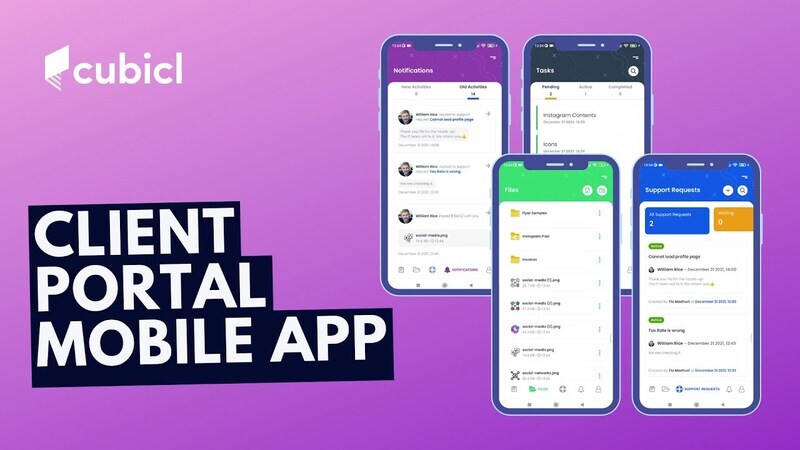
"I have been using Cubicl for some time now and among alternatives Cubicl suits my company best as a project management app. The support is amazing, quick & efficient. The Interface is really User friendly; easy to setup (compared to alternatives) & teams can quickly grab how to use efficiently. Collaboration is easy, and enhanced via chatboxes and project based Comments/File sharings etc. Mobile app is efficient, frequently used by my team working out of the office."
"Love this App! A great project management app. Unique and very useful compared to alternative apps. Definitely recommend to everyone."
"So glad I switched! I was not in the market for a new project management system but this popped up in a group I am in, and I was curious (always am!), and I checked it out. Something told me I wanted to try it. I am so glad I listened to my gut. I am already in love. It's FAR more intuitive than the others."
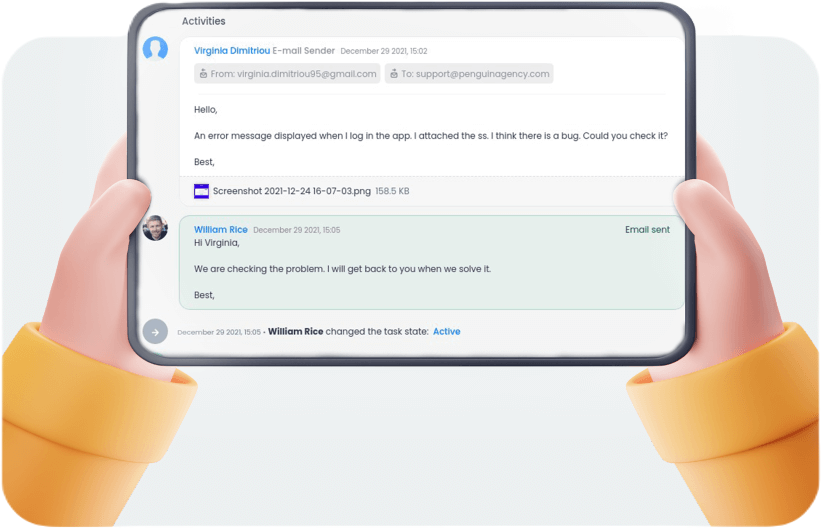
"Though I use a couple of other client and project management platforms, Cubicl stands out for its friendly user interface and email communications feature. The web design clients I've worked with mostly wanted to communicate via email instead of a client portal. Cubicl turns client-initiated emails into tasks and creates an email conversation for each new task. I look forward to using this feature with a client to see if it helps reduce the need to search for emails and manually create tasks."
"Loving it so far! Ah, I just wrote a really long review, then lost it (don't ask), so here's the short version...Things I like:"
- Visually uncluttered and easier to navigate than others.
- Task views, files, at the client and project level.
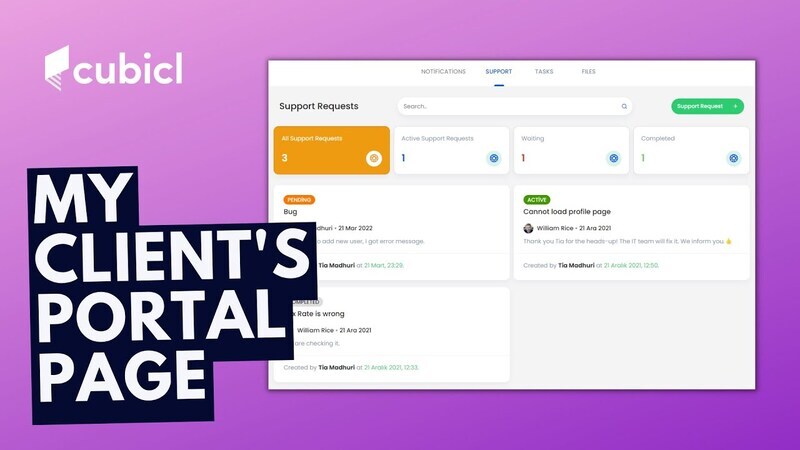
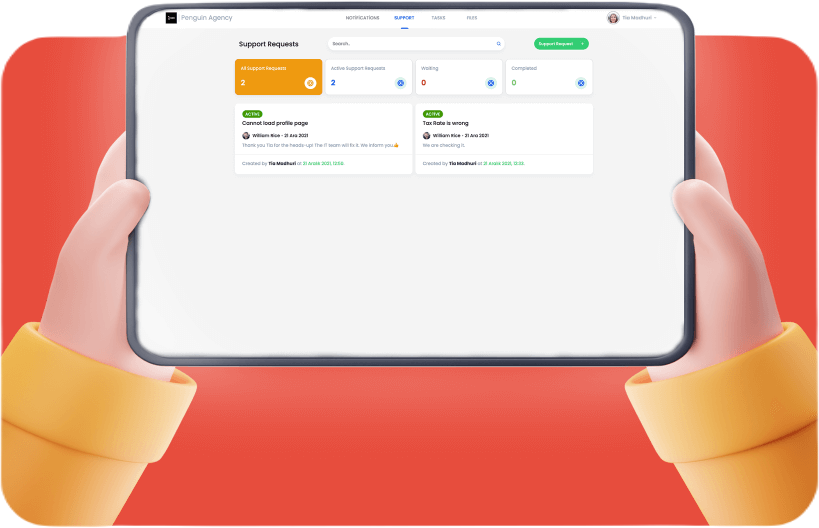
- Client portal on a subdomain - and support/update requests go straight into tasks.
- Drive, Calendar, and Slack integrations.
- Comments, Subtasks, and Steps at the Task level.
- Kanban view.
- Comprehensive documentation.
- A support portal that demos the product :-)
"It does, what exactly is meant for perfectly. Project management is pretty simple and easy. Amazing and simple UI and UX. Blazing support. Speedy development on upgradations."
"Amazing tool, great support and dedication. I have the pleasure to have the Erkan help with the setup of my project and it was amazing! The tool has a lot of features and the support is awesome!"
"Cubicl is a great all-in-one solution. Was looking for a project management software for a few months now. After testing Cubicl for the past week, I bought 3 tiers and will probably buy another 2 for my other business. The main reason I chose Cubicl is that it is a comprehensive solution. In my business, I am using a few tools and this is the only PM tool I found that has tasks, deals, projects, chat, clients AND a client portal. Other ones offer some of these features but none of the tools I looked at (some are crazy expensive) offer all of them as Cubicl does."
"Some special and unique features... Like the app, and shifted from others to this one. It is headed the right direction and finally an app which knows what the calendar view and integration means to users. I highly recommend Cubicl."
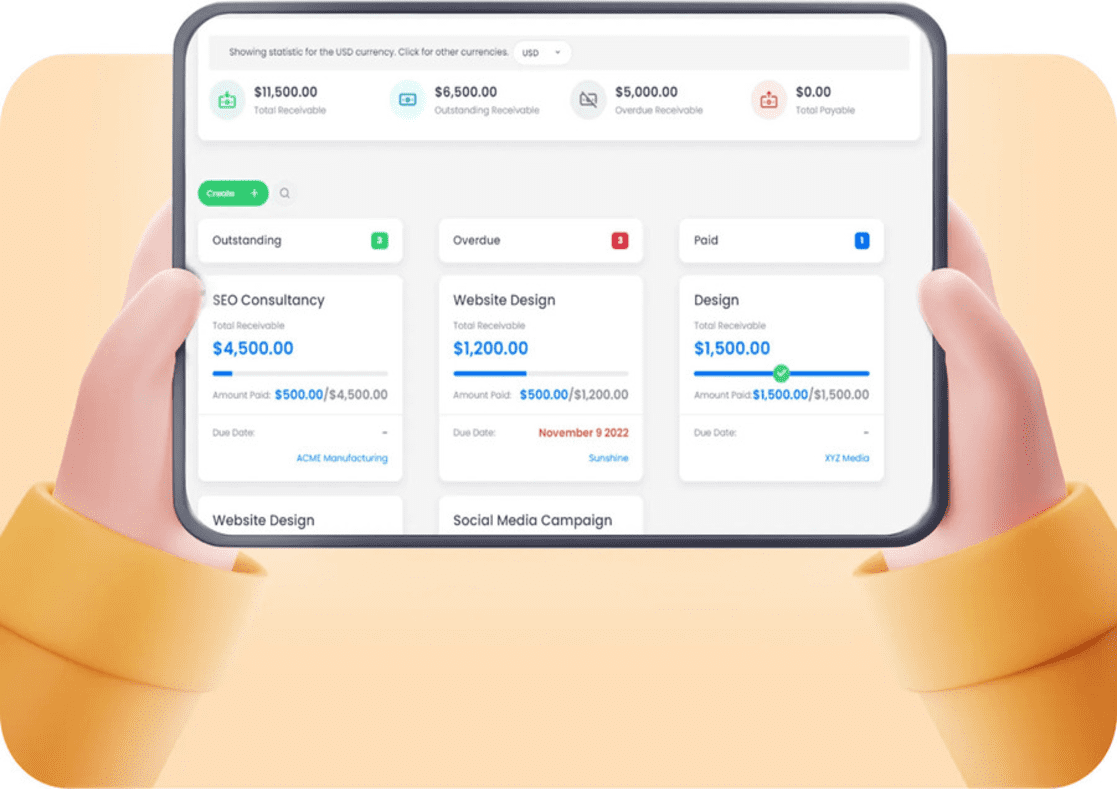
"Intuitive Easy To Use Productivity & Project/Tasks Management Solution. Cubicl is a fantastic tool. It has all of the power you'd expect from a project-/productivity management tool and is simple to use even for those with no or limited experience with these tools. Cubicl is suitable for both one-person freelancers and small to medium-sized businesses. It is thoughtfully designed and has unique features such as bookkeeping (more of an income and expense ledger than a full-fledged bookkeeping system, yet), integration that works well, a client portal, and more."
"Excellent. It is super nice. I love this program ...very helpful..I would just like different colours, I mean the design with other colors..."
"Task and Ticket and Portal engine! Let me first say that I am just getting my feet wet, but the experience thus far has me very excited for what this team is up to... and have you seen the roadmap yet? The support team via chat is up to now busy but very effective - they are quick to respond and very knowledgeable. They use screen grabs to help you find things and even helped me setup forms in a basic test which even suggested best practices on how to embed the portal or make a link/button instead."
"Absolutely loved it. I tried much software, the features offered by Cubicl are unmatched, integrations it's offering, API support, webhooks, guided tours, nice documentation and help guides. Simply amazing software. Thank you for offering such a nice deal."
"Pretty Decent! Well Organized Hierarchy and UI. Overall, Cubicl did a great job, and it's one of the better CRM/PM tools I've tested in a while. Again, while it didn't work out for my extremely niche use-case, I think a lot of people will love this LTD!"
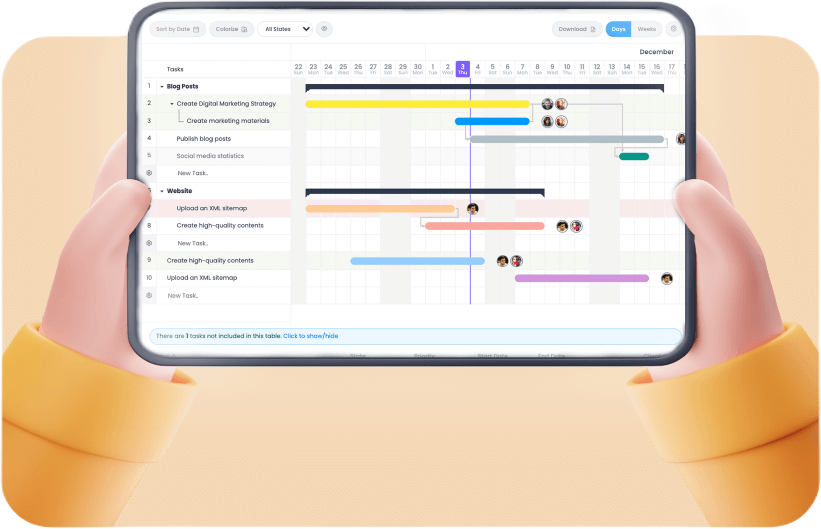
"I found this software to be very good for managing a lot of tasks, the main difference between it and the others software is the possibility to divide the project into tasks and sub-tasks."
- The big project = for example building a website for a client
- The big task to perform = for example to collect materials from the client
- What does the big task include = for example images or content
- What does the subtask include = for example photos would be: image photos, atmosphere photos, etc
"Easy for work & home. Looked over several task management software for a team I work with. Cubicl was the easiest for others to use. Bought a work license and had everyone in my family buy a license for their home office endeavors."
"Productive since day one. I am a project manager who sets the bar high when it comes to project management software. I simply do not have time for trials when projects are already complex to manage. So far, I like Cubicl, and managing the myriad project tasks feels intuitive."
- Great UI
- Killer email to task feature. No more digging in threads for customers who like to email
- Strong customization
- Logical flow. Creates less friction doing work
- Calendar
"We use Cubicl in multiple areas such as task & project management and internal communication. Cubicl makes it convenient for us especially by allowing us to manage our tasks and track them from both mobile and web applications. In this way, detailed information required for reporting is kept chronologically on Cubicl and serves as an agenda for the past."
"Cubicl solves our communication problems and prevents communication accidents. It not only facilitates our work in planning but also enables us to follow up and communicate independently of the place. In this way, everyone in the team can contribute to the projects or tasks from anywhere via internet access. Central monitoring and transparency are made more comfortable by Cubicl."

"We prefer Cubicl to serve our need for reporting and regular follow-up of the works during our operations. Monitoring and reporting of works in our established facilities in different locations in Turkey are being done effectively via Cubicl. Cubicl provided us with fast and easy reporting."
"We use Cubicl to make the planning and tracking our business processes faster and more organized. It became our number one choice due to its easy user interface, numerous features for different fields and specialized solutions it offers for our specific needs. It saves us time by facilitating the management of tasks we carry out with our many employees in different fields."

"We were trying to manage our work with emails and Excel files before Cubicl. Now we are managing all of our work from a single place without hassle."

"Cubicl contributes to increasing our productivity in addition to improving our work flow."
"We have started managing our projects easily after trying Cubicl. Now, we use it in all our projects."


Download Cubicl Introductory Slides
In the "Cubicl 101: Everything You Need" presentation, discover all the features in Cubicl within 10 minutes!
In the "Cubicl 201: Explore Cubicl's Full Potential" presentation, examine Cubicl on flexibility, simplicity, privacy, automation, and practicality.
Integrations
You can connect your Google Calendar, Google Drive, Gmail, Microsoft E-mail, Dropbox and Slack apps to Cubicl. Or integrate Cubicl with other applications with Webhooks or Cubicl API.

Google Calendar
Import your calendar into Cubicl as tasks. Sync the tasks in Cubicl to Google Calendar.
Google Drive
Attach files to tasks directly from your Google Drive account.

Gmail
Mails from your clients are created as tasks. You can reply directly in Cubicl.

Microsoft E-mail
Mails to Microsoft based mail addresses are created as tasks. You can reply directly in Cubicl.

Dropbox
Attach files to tasks directly from your Dropbox account.

Slack
Get important notifications in your Slack channel and never miss a thing again.

Cubicl API
Connect your software to Cubicl through our API. Automate your work.
Webhook
Integrate Cubicl with other applications with webhooks.

Trello
Import your Trello cards into Cubicl as tasks.
 Monkedo
Seamlessly Integrate Cubicl with Other Software
By integrating Cubicl with Monkedo, you can take your workflows to a whole new level. Monkedo supports 400+ applications, allowing you to seamlessly connect Cubicl with your other software. This automates data flow, saves time, and makes your business processes more efficient.
Automate Your Business Processes and Customize Cubicl to Your Needs
With Monkedo, you can not only integrate Cubicl with other software but also create automations tailored to your specific business processes. By automating repetitive tasks, you can optimize your workflows and customize Cubicl to perfectly suit your needs. Creating custom workflows allows you to adapt Cubicl to your unique way of doing business.
Exclusive Free Monkedo Credits for Cubicl Users
As Cubicl users, you can enjoy the benefits of Monkedo for free. Each Cubicl package comes with a certain amount of free Monkedo credits. For detailed information on credit amounts, please refer to our package descriptions. These credits allow you to experience Monkedo's integration and automation features, further enhancing your Cubicl experience.
If you have automation needs for Cubicl or other business processes, we are happy to assist you. We can offer customized solutions to make your business processes more efficient, automate repetitive tasks, and save time. You can send your requests to us at support@cubicl.io.

Click options below to see monthly and annual pricing.

Hover over or touch on the features to read their descriptions.
News From Us